Respect
Chat respectfully
Keep conversations considerate, and use reporting tools when behavior crosses the line.



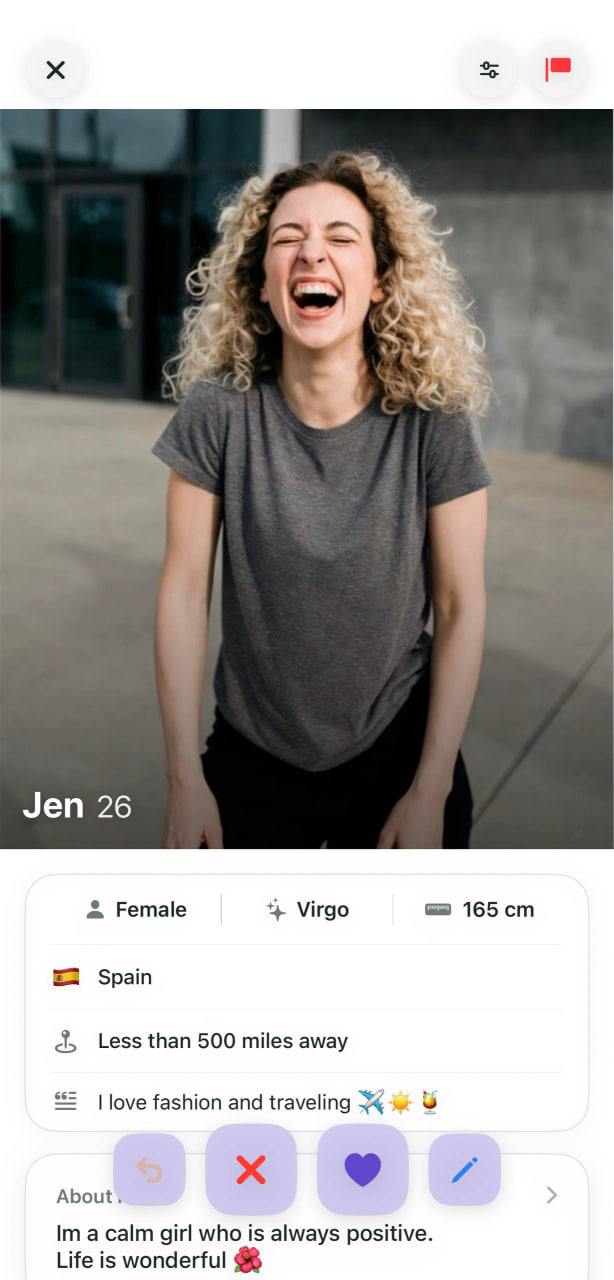
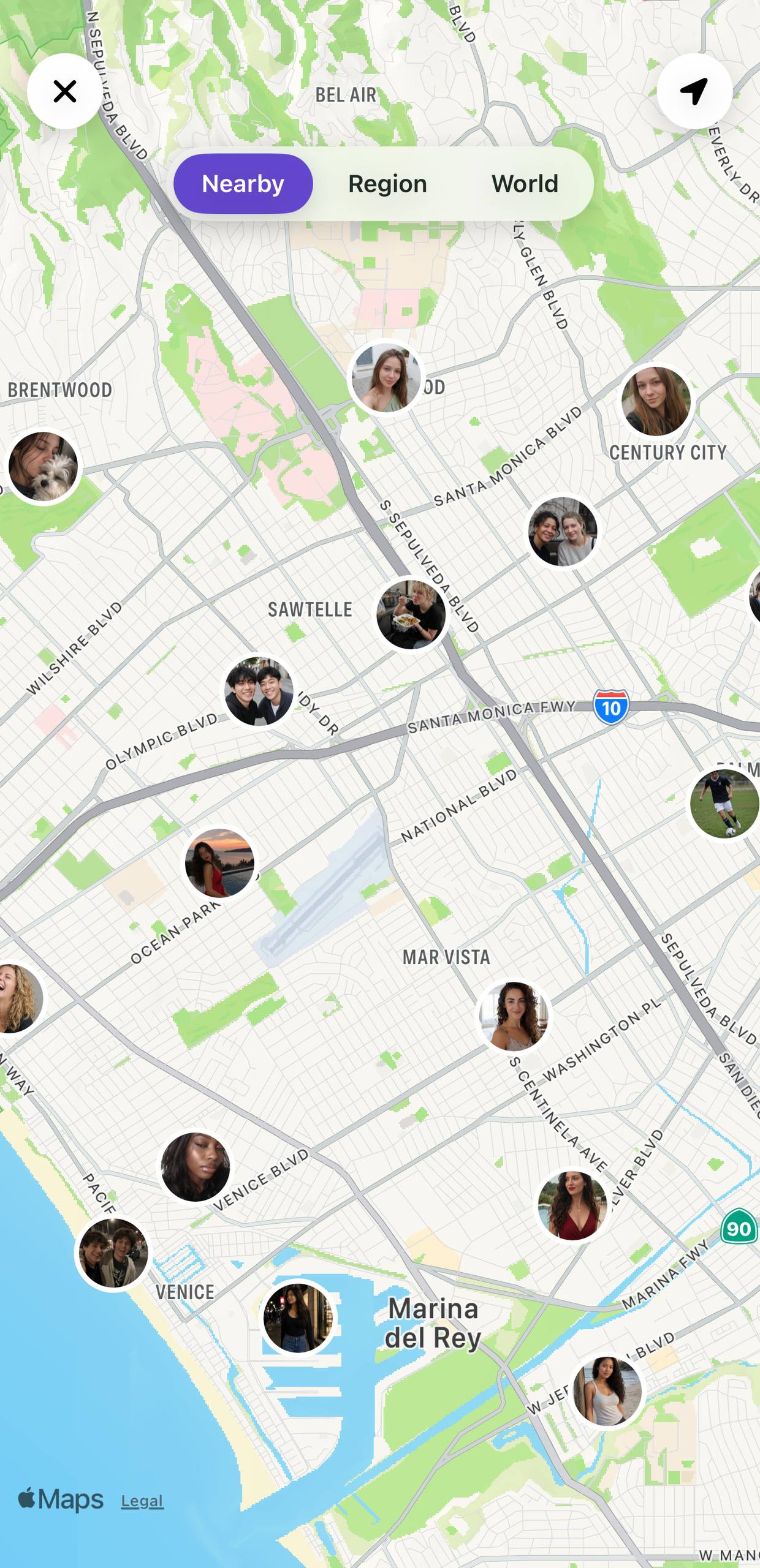
Most apps begin with a profile. Zoom In begins with place. Open the map to discover people nearby, expand your view across the region, or explore the world when you want to look further. International mode gives you another way to discover—browse profiles beyond the map, meet people in other cities and countries, and connect outside your immediate area whenever you choose.
Zoom In began on Android, where it has grown into a global community. Since launching, the app has reached more than 400,000 installs, welcomed over 150,000 sign-ups, and been used by people in more than 100 countries. That history continues to shape the experience we are bringing to iOS: a way to discover connections that can begin nearby and reach far beyond your location.
You decide when you appear, who you connect with, and how far you want to explore. Stay local when it matters. Go global when you choose.


Travel Mode is coming soon to Zoom In, giving you a new way to explore connections.
Clear choices, respectful conversations, and practical guidance help you stay in control at every step.
Respect
Keep conversations considerate, and use reporting tools when behavior crosses the line.
Control
Choose when you appear on the map and remove your location whenever you want.

Meeting
Take your time, meet in a public place, and tell someone you trust where you’re going.

Quick answers about discovering people, choosing a mode, and controlling your location.
Zoom In is a social discovery app that helps you meet people nearby on the map or browse profiles from around the world. It is available for Android and iOS.
Map lets you discover people by location using Nearby, Region, and World views. International mode lets you browse profiles from different countries one at a time without using the map.
Zoom In does not update your location in the background. To stop appearing on the map, open Settings in the app and select Remove my location on the map.
Zoom In is free to download on Google Play and the App Store. Optional subscriptions and in-app purchases are available.